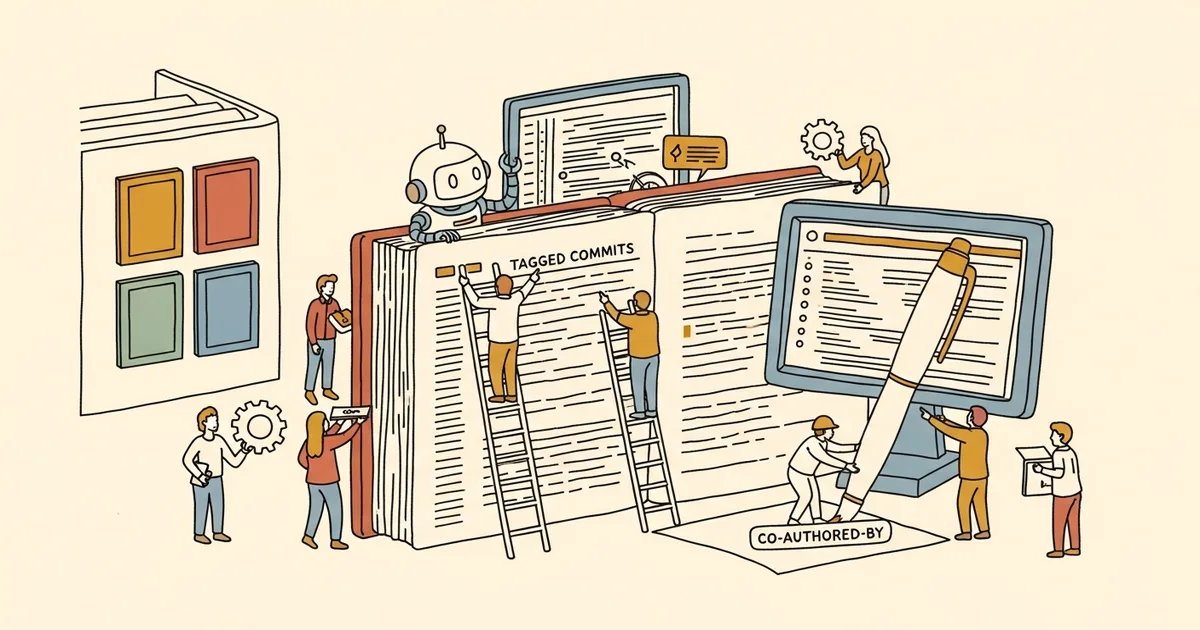
- Microsoft Visual Studio Code began inserting a “Co-Authored-by Copilot” trailer into Git commits — including for developers with AI features fully disabled.
- The change was pushed by a Microsoft product manager, waved through by a principal engineer without description, and merged on the spot, according to the GitHub history.
- Microsoft developer Dmitriy Vasyura acknowledged the feature “should never have run with AI features disabled” and “shouldn’t have tagged commits as AI-generated when no AI was involved.” He committed to revert the default in version 1.119.
- Concerns raised on GitHub and Hacker News include possible padding of Copilot usage metrics, hidden trailers in the commit window creating copyright ambiguity, and conflicts with corporate AI-use policies.
What Happened
Microsoft slipped a “Co-Authored-by Copilot” line into Git commits made through Visual Studio Code, even when developers had AI features fully turned off. The change was pushed through by a Microsoft product manager, approved by a principal engineer without descriptive review notes, and merged on the spot. After a wave of criticism on GitHub and Hacker News, Microsoft developer Dmitriy Vasyura — the engineer behind the change — acknowledged the mistake publicly and said the default would be reverted in VS Code version 1.119.
Why It Matters
The “Co-Authored-by” trailer is a long-standing Git convention used by tools like GitHub’s web interface to attribute joint authorship. Microsoft applying it automatically to commits where Copilot played no role conflates two distinct things: the co-author marker and a usage indicator. Three structural concerns surface from the incident: padding of internal Copilot adoption metrics; legal ambiguity around copyright and AI authorship attribution; and direct policy conflict for companies whose contributor agreements prohibit committing AI-generated code without explicit disclosure.
Technical Details
The trailer was added by VS Code’s built-in Git integration when committing changes through the editor. According to Vasyura’s public response, the feature was supposed to operate only when Copilot was actively used during a commit; the bug was that the default tagging fired regardless of whether AI features were enabled. The trailer also stayed hidden in the commit-message editor view in some cases, meaning developers might commit AI-tagged messages without seeing them. The relevant GitHub discussion thread has since been locked, with Microsoft labeling further reports as spam — a moderation choice that itself drew criticism.
The fix path is in version 1.119 of VS Code: the default behavior reverts so that the Co-Authored-by trailer only appears when Copilot was actually invoked. Until 1.119 lands, developers concerned about the trailer can disable the relevant Git setting or manually scrub commits before pushing.
Who’s Affected
Developers using VS Code with AI features off, expecting clean commits, are the most directly affected. Companies with AI-use policies — particularly contractors working on government code, financial-sector projects subject to vendor restrictions, and security-sensitive open-source projects — face documentation that may misrepresent AI involvement. GitHub’s metrics for Copilot adoption may have been inflated for a period; Microsoft has not disclosed how long the bug was active or how many commits were affected. Anthropic’s Claude Code and Anysphere’s Cursor — which compete with Copilot for the same developer base — gain a competitive talking point.
What’s Next
VS Code 1.119 is expected to ship within weeks with the reverted default. Watch for whether Microsoft publishes a more detailed post-mortem on review-process failures (a PM-driven change merged with no review description was the underlying enabling factor, not the trailer logic itself). Enterprise IT teams may want to audit recent commits for the trailer and assess whether disclosure obligations have been triggered.