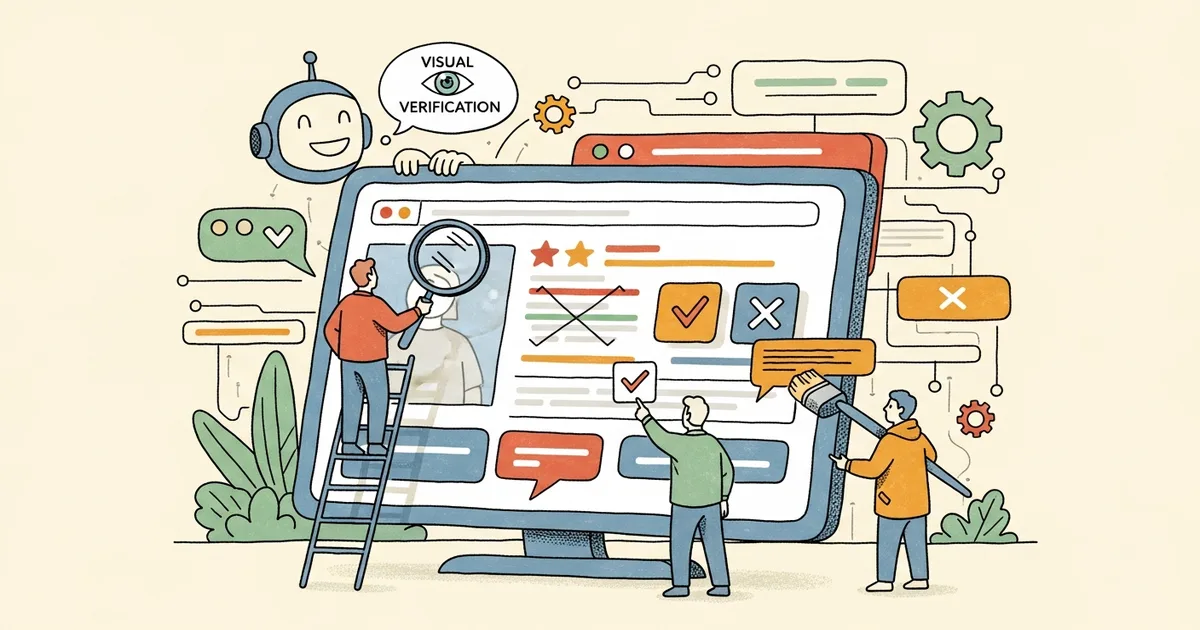
- ProofShot is an open-source CLI tool that gives AI coding agents the ability to visually verify the UI they build by recording browser sessions, capturing screenshots, and collecting errors.
- The tool supports Claude Code, Cursor, Codex, Gemini CLI, and Windsurf, installing skill files automatically for each agent.
- Each session produces a self-contained HTML viewer with synchronized video playback, screenshots, an interactive timeline, and consolidated error logs from 10-plus programming languages.
- ProofShot is MIT-licensed, free to use, and has gained 735 stars on GitHub since its launch.
What Happened
A developer known as AmElmo released ProofShot, an open-source command-line tool that addresses a fundamental gap in AI-assisted coding: agents can write code but cannot see what it looks like in a browser. ProofShot records full browser sessions, captures screenshots at each interaction step, collects both console and server errors across multiple programming languages, and bundles everything into a self-contained HTML report that humans can review without running the code themselves.
The project launched on GitHub and was featured on Hacker News under the tagline “Give AI coding agents eyes.” It has accumulated 735 stars and is distributed under the MIT license. Installation requires two commands: npm install -g proofshot followed by proofshot install, which detects installed AI coding tools and configures integrations automatically.
Why It Matters
AI coding agents like Claude Code, Cursor, and OpenAI’s Codex can generate functional code, but they operate blind when it comes to visual output. A button might render off-screen, a layout might break on mobile, or a CSS change might cascade into unintended visual regressions. Without visual verification, developers must manually check every UI change the agent produces. This manual review step is one of the largest remaining bottlenecks in AI-assisted front-end development.
ProofShot closes this loop by letting the agent open a real browser, interact with the page, record what happens, and flag errors, all through standard shell commands that any agent can execute. The tool is agent-agnostic, meaning it works with whatever coding assistant a developer already uses. No MCP server or custom integration is required; the agent simply runs shell commands like any other CLI tool.
Technical Details
ProofShot operates in a three-step workflow. The proofshot start command launches a dev server, opens a headless Chromium browser, and begins recording. The agent then interacts with the page using commands like agent-browser open, agent-browser fill, and agent-browser click, capturing screenshots at each step. The proofshot stop command finalizes the session and generates artifacts.
Each session produces seven artifact types: a WebM video recording with automatic dead-time trimming, an interactive HTML viewer with a synchronized timeline, a Markdown summary report, step-by-step PNG screenshots, a JSON action log with timestamps, server logs, and browser console output. The proofshot diff command compares screenshots against baselines to detect visual regressions across iterations.
Error detection covers JavaScript, Python, Ruby, Go, Java, Kotlin, Rust, PHP, C#, Elixir, and more, with configurable patterns defined in TypeScript. The proofshot pr command uploads artifacts and posts a formatted comment with embedded screenshots directly to a GitHub pull request.
Who’s Affected
Developers using AI coding agents for front-end work benefit most directly. ProofShot auto-detects and configures itself for Claude Code (via skill files), Cursor (via rule files), Codex, Gemini CLI, and Windsurf. The tool is built on Vercel Labs’ agent-browser and adds session management, log capture, video trimming, and the PR upload workflow on top.
Teams doing code review also gain from the consolidated proof artifacts. Instead of pulling a branch and running it locally to check visual changes, reviewers can inspect the HTML viewer with its synchronized video and error timeline directly in the PR. This is particularly valuable for distributed teams where reviewers may not have identical local development environments configured.
What’s Next
ProofShot fills a specific gap in the AI coding workflow, but it is limited to browser-based UI verification. Native mobile apps, desktop applications, and non-visual backend changes remain outside its scope. The tool also requires a running dev server, which means it cannot verify static mockups or design files directly. As AI coding agents become more capable of generating complete features autonomously, tools like ProofShot that add human-verifiable checkpoints into the workflow will likely become standard infrastructure rather than optional add-ons.
Source: ProofShot on GitHub