Microsoft shipped multi-model AI workflows as a consumer feature — a capability previously limited to developers chaining API calls through code. Users can now route different subtasks to different AI models within a single workflow, combining GPT-5.4, Claude, and Gemini without writing a line of code.
What Multi-Model Workflows Are
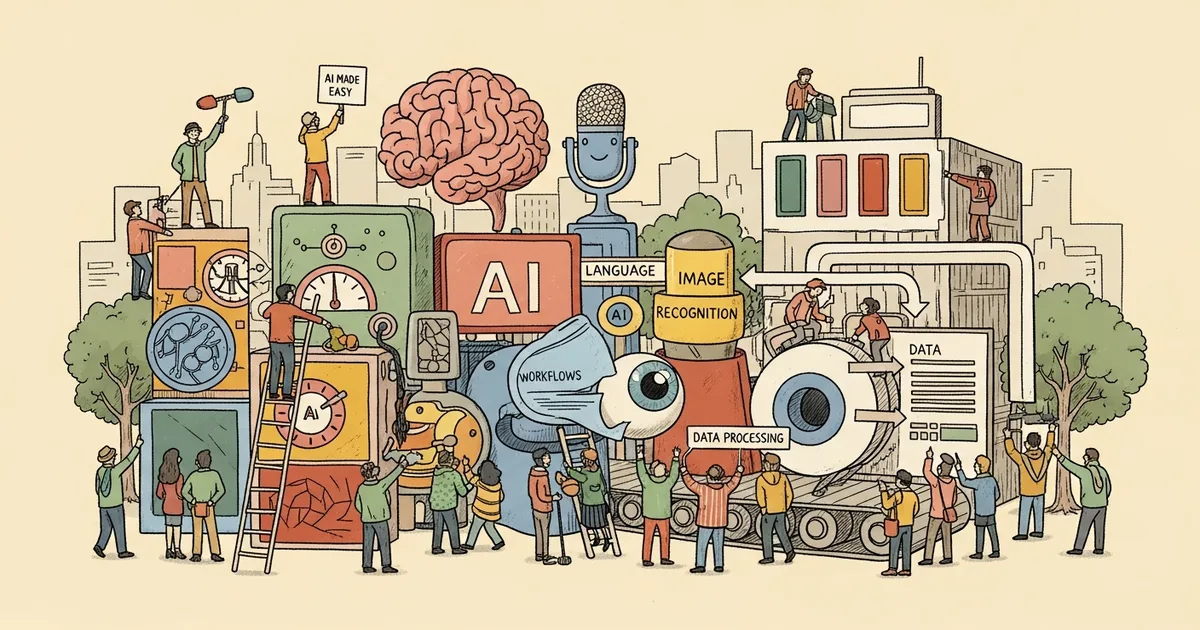
Instead of sending every task to one AI model, multi-model workflows split work across specialized models. A document analysis task might use Claude for summarization (strong at nuance), GPT-5.4 for data extraction (strong at structured output), and Gemini for fact-checking against web sources (strong at grounded search).
Developers have been doing this for over a year through API orchestration — tools like LangChain, CrewAI, and custom scripts that route different prompts to different models. Microsoft’s contribution is packaging this into a visual interface accessible to anyone.
How It Works in Microsoft’s Tools
Within Microsoft 365 Copilot and the Windows AI Studio, users can:
- Create workflow templates: Define multi-step processes with model selection per step
- Set routing rules: Automatically route tasks based on content type (e.g., code to GPT-5.4, creative writing to Claude)
- Compare outputs: Run the same prompt across multiple models and compare results side-by-side
- Chain outputs: Pass one model’s output as input to another, building multi-stage pipelines
Which Models Are Available
Microsoft’s multi-model hub currently supports:
- OpenAI GPT-5.4 — default for general tasks and code
- Anthropic Claude Opus 4.6 — available for extended reasoning and analysis
- Google Gemini 3 Pro — available for grounded search and multimodal tasks
- Mistral Large — available for European language tasks
- Open-source models — Llama, Qwen, and others via Azure AI endpoints
Why This Matters
Using one model for everything is like using one tool for every home repair. Each model has distinct strengths and weaknesses. Different models exhibit different behaviors even on the same task. Multi-model routing exploits these differences productively.
Early data from Microsoft’s internal testing shows multi-model workflows produce 23% higher user satisfaction scores compared to single-model approaches, primarily because users see better results on the specific subtasks where each model excels.
The Practical Takeaway
This feature is available now in Microsoft 365 Copilot for business subscribers. The setup requires no technical knowledge — it’s drag-and-drop workflow building with model selection dropdowns. For power users already paying for Copilot, this is the most significant feature update since launch. For everyone else, it’s the clearest sign that the AI industry is moving past the “one model to rule them all” era.