Google DeepMind’s Veo 3 represents a significant leap in AI video generation, introducing the ability to produce videos with fully synchronized audio, dialogue, and ambient sound effects directly from text prompts. Released as part of Google’s push to compete with OpenAI’s Sora and Runway’s Gen-3, Veo 3 is currently available through Google’s AI Studio and select Gemini integrations.
What Is Veo 3
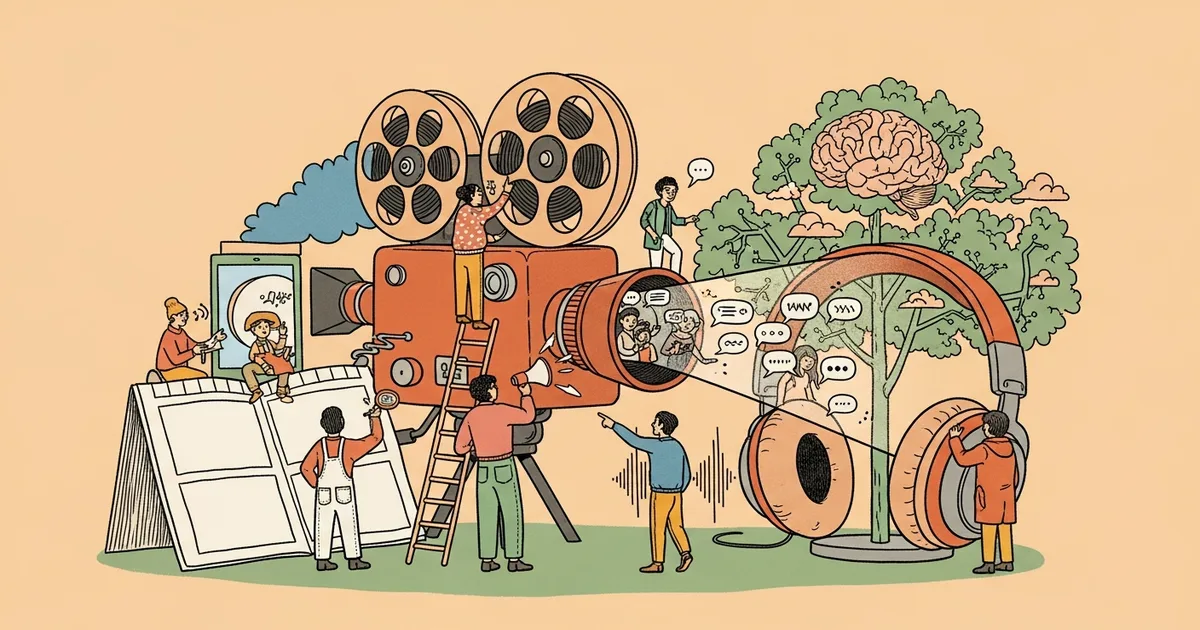
Veo 3 is the third generation of Google DeepMind’s video generation model family. Unlike its predecessors, which produced silent video clips, Veo 3 generates complete audiovisual content. Users provide a text description of the scene they want, and the model produces a video with matching visuals, background music, sound effects, and even character dialogue.
The model builds on the architecture introduced in Veo 1 and Veo 2 but adds a native audio generation layer that is trained jointly with the video model. This means the audio is not bolted on after the fact but generated in sync with the visual content from the start.
Key Facts
| Feature | Details |
|---|---|
| Developer | Google DeepMind |
| Release | 2026 |
| Max Resolution | 1080p HD |
| Max Duration | Up to 60 seconds |
| Audio | Native audio generation with dialogue, SFX, and music |
| Access | Google AI Studio, Gemini Advanced |
| Pricing | Included with Gemini Advanced ($19.99/mo), pay-per-use via API |
| Competitors | OpenAI Sora, Runway Gen-3, Pika Labs, Kling AI |
How Veo 3 Works
Veo 3 uses a diffusion transformer architecture similar to what powers modern image generators but extended to the temporal dimension. The model processes video as a sequence of frames and generates them progressively, maintaining consistency in character appearance, lighting, and camera movement throughout the clip.
The audio component uses a parallel generative model that takes the same text prompt and the generated video frames as input. It produces a synchronized audio track that matches the visual action. If someone is speaking in the video, the model generates appropriate lip movements in the visual track and corresponding speech in the audio track.
Users interact with Veo 3 primarily through text prompts. A prompt might read something like “A chef in a busy restaurant kitchen explains her signature dish to the camera while preparing it, sounds of sizzling pans in the background.” The model interprets this and generates both the visual scene and the complete audio environment.
Features and Capabilities
Veo 3 introduces several capabilities that set it apart from earlier video generation models. The native audio generation is the headline feature, but there are other notable improvements.
The model handles complex camera movements including pans, zooms, tracking shots, and crane-style movements. Users can specify camera behavior in their prompts, and the model follows these directions with reasonable accuracy.
Character consistency has improved significantly over Veo 2. When generating videos with human subjects, Veo 3 maintains consistent facial features, clothing, and body proportions throughout the clip. This was a major weakness of earlier models where characters would subtly morph between frames.
The model also handles multi-character scenes better than its predecessors. It can generate conversations between two or more people with appropriate turn-taking in dialogue and natural body language.
Physics simulation has also improved. Objects fall, liquids flow, and fabrics move in ways that are more physically plausible than what earlier models produced, though artifacts still appear in complex physical interactions.
Limitations
Despite the improvements, Veo 3 has notable limitations. Videos longer than 30 seconds often show degradation in quality and coherence. Character hands and fingers remain a challenge, sometimes appearing with incorrect numbers of digits or unnatural positions.
The audio generation, while impressive, can produce artifacts. Dialogue sometimes sounds slightly robotic, and sound effects occasionally mismatch the visual action. Background music tends to be generic and repetitive.
The model also struggles with precise text rendering. If your prompt requires readable text on signs, screens, or documents in the video, the results are typically illegible or garbled.
Pricing and Access
Veo 3 is available through two main channels. Gemini Advanced subscribers ($19.99 per month) get access to Veo 3 with a monthly generation quota. The exact quota varies but typically allows several dozen video generations per month.
For developers and businesses, Veo 3 is accessible through Google’s Vertex AI API with pay-per-use pricing. Costs are based on the resolution and duration of generated videos.
There is currently no free tier for Veo 3, though Google AI Studio offers limited free experimentation for developers with a Google Cloud account.
Veo 3 vs Competitors
| Feature | Veo 3 | Sora (OpenAI) | Runway Gen-3 | Kling AI |
|---|---|---|---|---|
| Max Resolution | 1080p | 1080p | 1080p | 1080p |
| Max Duration | 60s | 60s | 10s | 5 min |
| Native Audio | Yes | No | No | No |
| Dialogue Generation | Yes | No | No | No |
| Image-to-Video | Yes | Yes | Yes | Yes |
| API Access | Yes | Limited | Yes | Yes |
| Starting Price | $19.99/mo | $20/mo | $12/mo | Free tier |
Who Should Use Veo 3
Veo 3 is best suited for content creators who need quick video prototypes with audio, marketers creating social media content, and developers building AI-powered video features into their applications. The native audio generation makes it particularly useful for creating explainer videos, product demonstrations, and social media clips where adding audio separately would be time-consuming.
It is less suitable for professional film production, long-form content creation, or any use case requiring pixel-perfect control over the output. The model works best as a rapid prototyping and ideation tool rather than a final production pipeline.
Bottom Line
Veo 3 is currently the most capable AI video generation model available to consumers, primarily because of its native audio generation capability. No other model on the market can generate synchronized dialogue, sound effects, and music alongside video from a single text prompt. While the output quality still falls short of professional video production, it represents a meaningful step forward for AI-generated video content. For anyone already paying for Gemini Advanced, Veo 3 is worth exploring as part of the subscription.