The Verdict
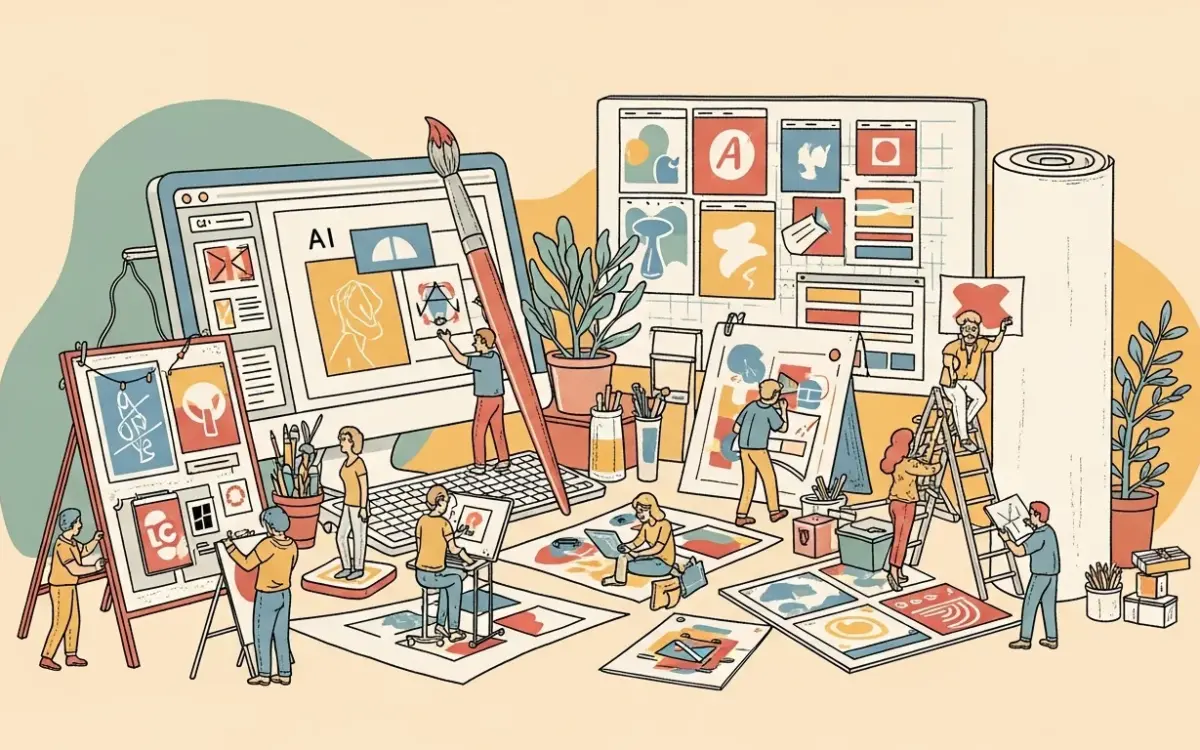
Canva has evolved from a template-based design tool into an AI-powered creative platform where machine learning is embedded in nearly every feature. Magic Studio — Canva’s AI suite — handles image generation, background removal, text rewriting, video editing, and presentation creation from prompts. For non-designers who need professional-looking output quickly, Canva AI remains unmatched in breadth and accessibility. The $14.99/month Pro plan includes all AI features, making it one of the best values in creative software.
What It Does
Canva AI integrates generative AI throughout its design platform. Magic Design creates complete layouts from text descriptions. Magic Write generates and rewrites copy. Magic Eraser removes objects from images. Magic Grab separates subjects from backgrounds for repositioning. Text to Image generates custom graphics within designs. Magic Animate adds motion to static elements. The platform also includes AI-powered video editing, presentation generation, and brand consistency tools that enforce visual identity across all outputs.
What We Liked
- AI everywhere, not bolted on: Unlike competitors that add AI as a separate feature, Canva embeds it contextually — right-click an image to remove backgrounds, highlight text to rewrite it, select an element to animate it.
- Brand Kit enforcement: AI-generated content respects your brand colors, fonts, and guidelines, producing outputs that are immediately on-brand without manual adjustment.
- Massive template library: Over 250 million design assets combined with AI customization means starting from a template and personalizing it produces better results faster than generating from scratch.
- All-in-one pricing: Every AI feature is included in the $14.99/month Pro plan — no per-generation credits, no feature-gated tiers, no surprise costs.
What We Didn’t Like
- Image generation quality: Canva’s built-in generator produces adequate graphics for social posts and presentations but cannot match Midjourney or DALL-E for artistic or photorealistic output.
- Design ceiling: Professional designers will hit limitations in typography control, vector editing, and layout precision that tools like Figma or Adobe handle natively.
- Template dependency: The AI works best when modifying existing templates. Pure from-scratch generation without a template starting point produces less polished results.
Pricing Breakdown
Canva Free includes basic design tools and limited AI features. Canva Pro at $14.99/month unlocks all AI tools, premium templates, Brand Kit, and background remover. Canva Teams at $29.99/month adds collaboration, team folders, and workflow approvals. Enterprise pricing includes SSO, advanced permissions, and dedicated support.
The Bottom Line
Canva AI is the most accessible creative AI platform available. It won’t satisfy professional designers who need pixel-level control, but for marketers, content creators, educators, and small business owners, it eliminates the need for multiple specialized tools. The combination of templates, AI generation, and brand consistency in a single platform at $14.99/month is difficult to match.