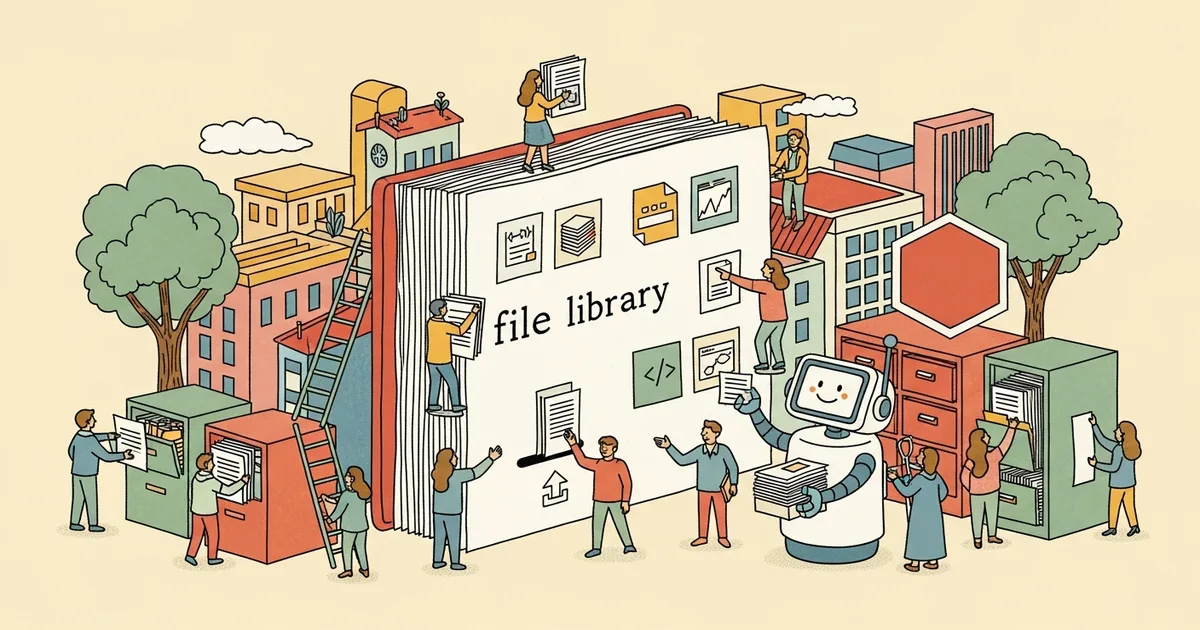
OpenAI has introduced a Library feature to ChatGPT that allows users to store documents, spreadsheets, presentations, PDFs, and images in a persistent, searchable location within the platform. Launched on March 23, the feature lets users upload files once and reference them across multiple conversations without re-uploading, effectively giving ChatGPT a persistent memory for documents.
Previously, files uploaded to ChatGPT existed only within individual conversation threads. Users working with the same document across multiple sessions had to re-upload it each time, losing any context the AI had built about the file’s contents. The Library eliminates this friction — uploaded files persist indefinitely and can be attached to any new conversation with a single click.
The feature supports common document formats including PDFs, Word documents, Excel spreadsheets, PowerPoint presentations, and images. Users can organize files with tags, search by filename or content, and see which conversations have referenced each file. The Library is accessible from the ChatGPT sidebar alongside conversation history.
For enterprise users, the Library transforms ChatGPT from a stateless conversation tool into something closer to a knowledge-aware assistant. A product manager can upload a PRD once and reference it across planning, writing, and analysis conversations. A researcher can maintain a collection of papers that ChatGPT can cite and cross-reference. The practical value scales with the number of documents a user regularly works with.
The Library is available to all ChatGPT plans including the free tier, though storage limits vary by subscription level. The feature arrives as ChatGPT faces increasing competition from Claude’s Projects feature and Google’s Gemini Gems, both of which offer persistent context mechanisms. OpenAI’s implementation prioritizes simplicity — file management rather than project organization — which may prove more intuitive for casual users even if it offers less structure than alternatives.