Google Gemini’s image generation capabilities have become one of the most searched AI features worldwide, with search terms like “gemini ai foto” and “gemini ai photo” showing breakout interest on Google Trends. This guide covers everything you need to know about generating AI images with Gemini, from accessing the feature to writing effective prompts.
What Is Gemini Image Generation
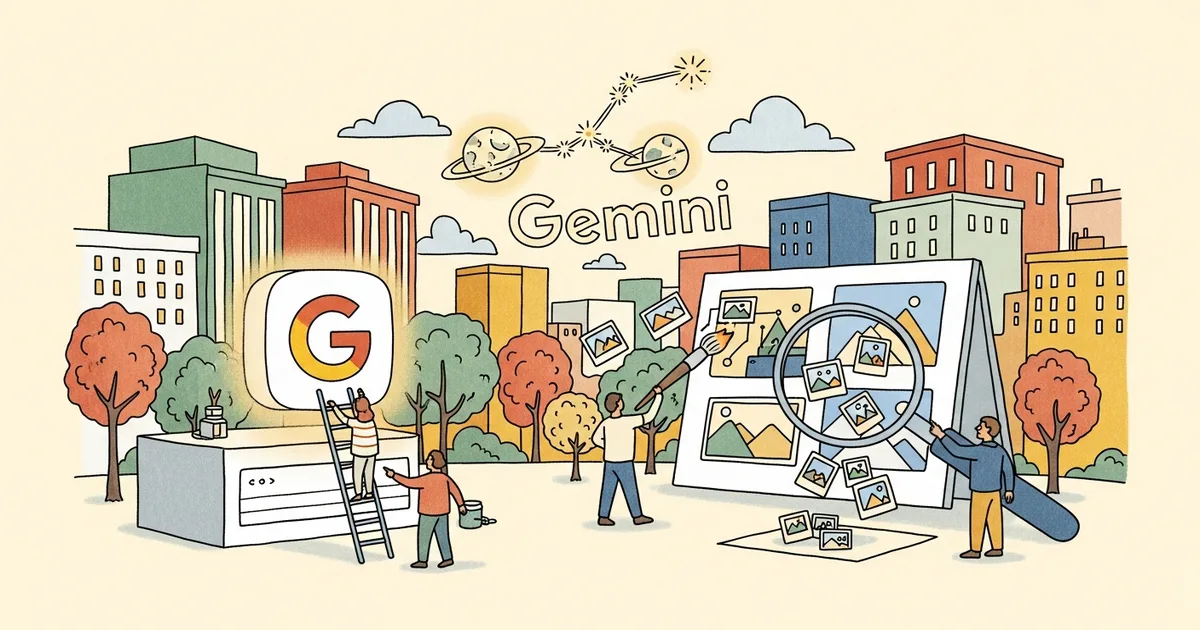
Google Gemini includes built-in image generation powered by Google’s Imagen model family. Users can ask Gemini to create images directly within a conversation by describing what they want to see. The feature is integrated into Gemini’s chat interface, meaning you do not need a separate tool or application to generate AI images.
The image generation capability is available across Gemini’s web interface, the Gemini mobile app, and through the Gemini API for developers. The quality and availability of image generation features vary depending on which tier of Gemini you are using.
Key Facts
| Detail | Information |
|---|---|
| Feature Name | Gemini Image Generation (powered by Imagen) |
| Access | gemini.google.com, Gemini app, API |
| Free Tier | Yes, with daily limits |
| Gemini Advanced | Higher limits, better quality (Imagen 3/4) |
| Output Formats | PNG, various aspect ratios |
| Languages | Prompts accepted in 40+ languages |
| Safety Filters | Strict content filtering applied |
How to Generate Images With Gemini
Generating an image with Gemini is as simple as asking for one in natural language. Open gemini.google.com or the Gemini app and type a request like “Create an image of a sunset over a mountain lake with pine trees.” Gemini will process the request and display the generated image directly in the conversation.
You can be as specific or as general as you want in your prompt. More detailed prompts tend to produce results closer to your vision. You can specify colors, styles, compositions, lighting conditions, and artistic styles.
After an image is generated, you can refine it by providing follow-up instructions. For example, “Make the sky more orange” or “Add a small boat on the lake.” Gemini maintains context from the conversation, so iterative refinement works naturally.
To download a generated image, click or tap on it and select the download option. Images are saved as PNG files at the resolution Gemini generates them.
Tips for Better Prompts
The quality of AI-generated images depends heavily on the quality of the prompt. Here are techniques that produce better results with Gemini.
Be specific about the subject and composition. Instead of “a dog,” try “a golden retriever sitting in a sunlit meadow, looking at the camera, shallow depth of field.” The additional detail gives the model more information to work with.
Specify an artistic style if you want something other than photorealism. Gemini responds well to style references like “watercolor painting,” “digital illustration,” “oil painting,” “studio photography,” or “minimalist graphic design.”
Include lighting descriptions. Phrases like “golden hour lighting,” “dramatic shadows,” “soft diffused light,” or “neon lighting” significantly affect the mood and quality of the generated image.
Mention the desired aspect ratio or composition. You can request “portrait orientation,” “wide landscape format,” or “square composition” to control the shape of the output.
Limitations and Content Restrictions
Gemini applies strict safety filters to image generation. The model will decline requests that involve realistic depictions of named public figures, violent or harmful content, explicit material, or content that could be used for misinformation.
The restrictions on generating images of real people are among the strictest in the industry. While some competitors allow generating images featuring public figures in clearly fictional contexts, Gemini generally refuses these requests entirely.
Image quality, while competitive with other consumer-grade AI image generators, does not match the output of specialized tools like Midjourney or professional-tier Stable Diffusion configurations. For most casual and creative use cases, the quality is more than adequate, but professional designers and photographers may find the output insufficient.
Text rendering in generated images is a known weakness. While Gemini has improved at including text in images, complex or lengthy text strings are often rendered with errors.
Free vs Gemini Advanced
| Feature | Free Gemini | Gemini Advanced ($19.99/mo) |
|---|---|---|
| Image Generation | Yes, limited daily quota | Yes, higher quota |
| Model | Imagen 3 | Imagen 4 (higher quality) |
| Resolution | Standard | Higher resolution available |
| Editing/Refinement | Basic | Advanced iterative editing |
| API Access | No | Yes (via Google AI Studio) |
Who Should Use Gemini for Images
Gemini’s image generation is ideal for anyone who wants quick AI images without learning a separate tool. Since it is built into the same chat interface used for text conversations, there is zero learning curve. It is particularly useful for brainstorming visual ideas, creating social media graphics, generating illustrations for presentations, and exploring creative concepts.
For professional image generation work requiring fine control over output, tools like Midjourney, DALL-E, or Stable Diffusion remain better choices. Gemini’s strength is convenience and integration rather than maximum quality or control.
Bottom Line
Google Gemini’s image generation has earned its breakout trending status by making AI image creation as simple as typing a sentence. The feature removes the friction of signing up for specialized tools, learning prompt engineering conventions, or managing generation credits across multiple platforms. For the majority of users who want to create AI images casually, Gemini provides the most accessible entry point available in 2026.